talk up the web site
Use the newsletter to really talk up the web site! I am astonished that more people are not registered, I don’t think most people really understand what a great tool we have!
In the Board report published in the monthly newsletter, it would be helpful to utilize bold and underline features to highlight committee names, dollar amounts, issues, etc of particular interest. As the reports currently appear, it is difficult to skim for specific information, it all just runs together. Perhaps a larger font would be helpful as well, though certainly space considerations dictate font size.
As a responsible pet owner and also a homeowner who observes the daily life cycle at CR Community Park, I would support CR HOA working with ToM to develop a dog park in the area. If at CR Community Park, the far southeast corner would be great – many people play there with their dogs and it would seem not to interfere with the ball fields (baseball or soccer.) The dog park at the far north end of James Kreig (sp?) Park in Oro Valley is an excellent example. ToM “ownership” of a dog park would hopefully alleviate HOA liability issues. This suggestion was previously submitted to the Long Range Planning Committee but never heard anything back.
Thanks for your consideration – the Suggestion Box is a great idea!
Pam Carden
Ideas that are clearly expressed will have a better chance of being understood and embraced by the community. The below suggestions are examples of well written ideas.
Suggestion Title: Dog Park
Suggestion Description: Add a dog park or running are for the community.
Suggestion Reasoning: We all love our animals and I think they deserve to have a place to run and play.
Suggestion Title: Pancake Breakfast
Suggestion Description: Put together an annual pancake breakfast
Suggestion Reasoning: The community I grew up in had an annual pancake breakfast, complete with wagon rides, fire departmet displays and music. It would be a fun way to get the community together and raise money for the food bank.
Make the full 2007 Design Guidelines available online instead of a single sheet of changes that do not include the full changes.
It would be far easier to write a list of prohibited plants which would be much shorter. A list of invasive species would be sufficient.
It makes sense to use plants that are adapted to an arid climate instead of using imported water guzzling varieties.
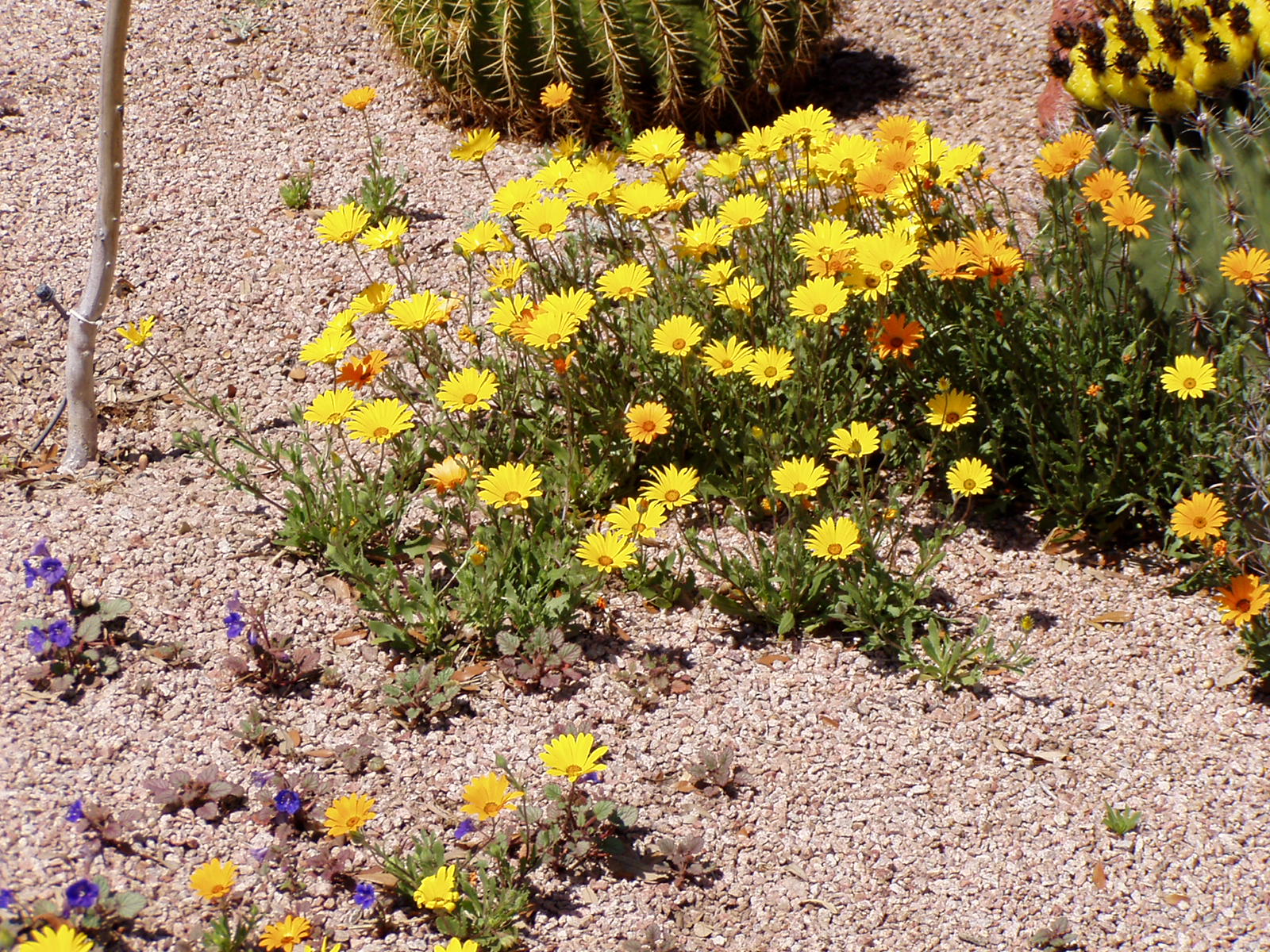
In addition homeowners should be allowed to have annual wildflowers in their front yards. The Sonoran desert enjoys a stunning display of ephemerals only about once every five years or so. This fleeting display of natural beauty lasts for a couple of weeks and then is gone until the next time that winter rains provide the right conditions. The homeowners who have them remove the spent plants as soon as they are done blooming.
Thank you for visiting the Continental Ranch Community Association Website.
Your timely payment helps the Association maintain its financial health and continue providing quality services to the community. Please note that payment is required even if a statement is not received. The CRCA semi-annual assessments are due on May 1st and November 1st.
For assistance with your account number and/or password, call the management office at 520-297-7600.
If you have not received your account login information, please first check your welcome packet, which was mailed to you when you purchased your home. If you are unable to locate your login details after checking your packet, contact the Continental Ranch office at (520) 297-7600 to obtain your login information.
If you already have your login information but are having trouble with your password, please use the “Forgot Password” link on the login page to reset it. You can visit the Forgot Password by clicking here and then choosing Forgot Password.
There are six ways to pay your dues:
1) Mail: Mail your check marked with your account number and the CRCA ID #3472 directly to our bank. There is no charge to pay by check. Please include the bottom portion of your statement. Mailing address is:
Continental Ranch Community Association/ID 3472
P.O. Box 66303
Phoenix, AZ, 85082
2) Bill Pay: Set up your bank account to pay your semi-annual bill on May 1st and November 1st of each year. The check must include your personal 5-digit account number as shown on your statement and CRCA Association ID#3472. The mailing address is the same as shown above. There is no charge from the Association to pay by check using Bill Pay (but your bank may have a charge to your bank account).
3) In Person: Bring your check or money order to the CRCA office at 9150 N. Coachline Blvd. The check must include your personal 5-digit account number as shown on your statement. Please include the bottom portion of your statement. There is no charge to pay by a check delivered to our office.
4) Pay online by credit/debit card (using Visa, MasterCard, Discover, or American Express): Log into your CINC Homeowner Portal by clicking the button below. After you login to your Homeowner Portal, then Click the “Pay Assessments” header at the top of the page, then select the “Make a Payment” button to make a one-time payment. Follow the instructions on the payment page to set up your Credit/Debit Card payment. Please be advised there is a bank fee charged when paying by credit/debit card of 3.25% of the current transaction total.
5) Pay online by E-check as a one-time payment: Log into your CINC Homeowner Portal by clicking the button below. After you login to your Homeowner Portal, then Click the “Pay Assessments” header at the top of the page, then select the “Make a Payment” button to make a one-time payment. Follow the instructions on the payment page to set up your E-Check payment. Please be advised there is a bank fee charged when paying by E-Check of $2.99 per transaction.
6) Pay online by Recurring E-check: Log into your CINC Homeowner Portal by clicking the button below. After you login to your Homeowner Portal, then Click the “Pay Assessments” header at the top of the page, then select the “Add Autopay” button to set up the your recurring E-Check payment. Please be advised there is a bank fee charged when paying automatically by recurring E-Check of $1.99 per transaction.
Thank you for helping Continental Ranch be a strong and vibrant community!
More shade around the pool deck
Water misters
If you get suspended from the pool a phone call and letter stating why and person reporting the incedent and what acusation being accused of